

Generative AI Empowerment Project
My Role
UX research team
Project Type
Internal UX research & enablement project
Objective
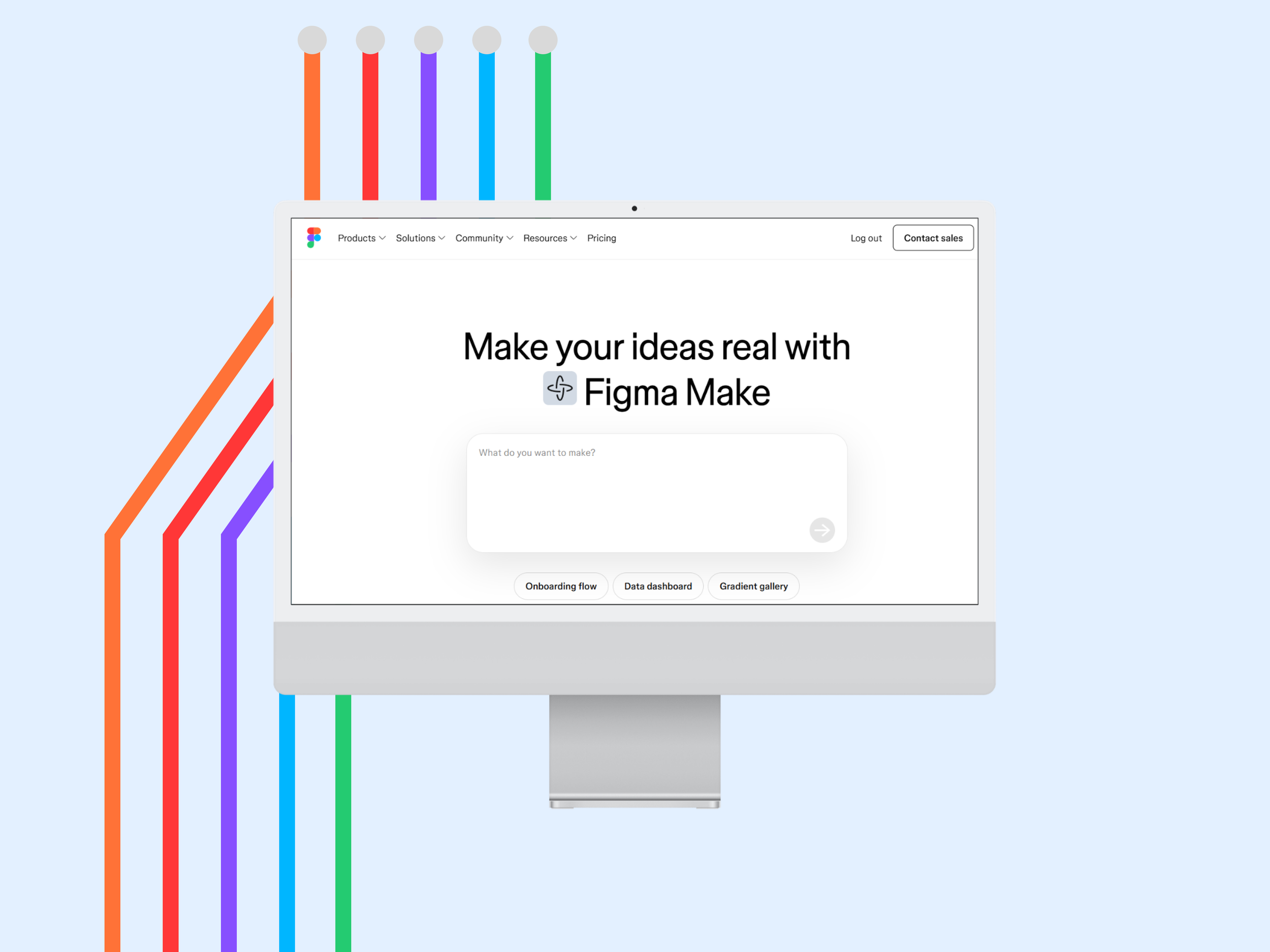
Investigate whether Figma Make, an AI-powered prototyping tool, could empower non-UX staff to create usable prototypes without compromising UX quality or design standards.
Context
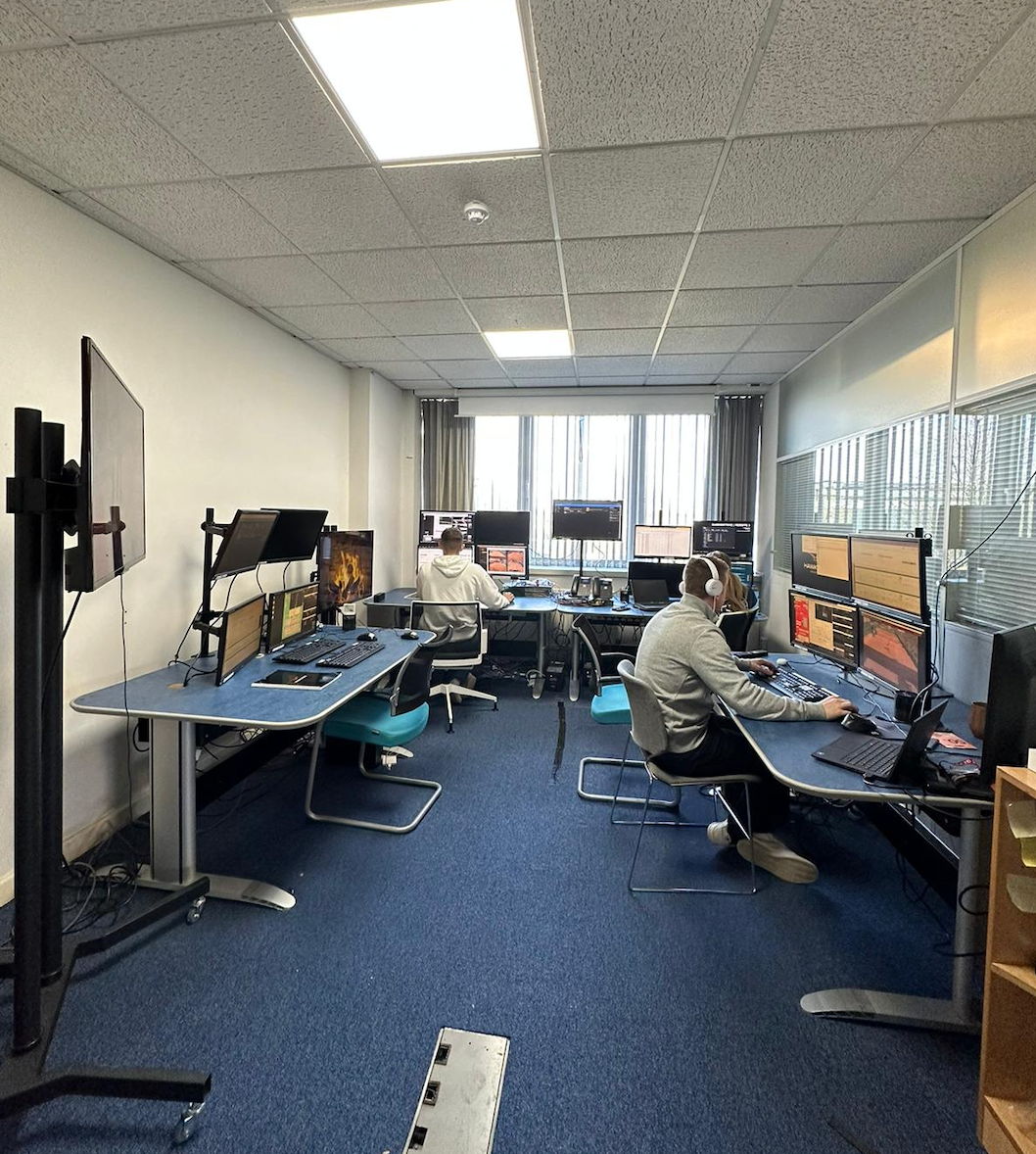
Internal teams at Hawk-Eye Innovations often needed to communicate ideas for digital products and software but lacked the tools or design confidence to prototype concepts quickly. This created bottlenecks for UX teams and slowed validation.
The Problem
Non-UX teams relied on static documents, screenshots, or written tickets to explain ideas, making requirements unclear and difficult to validate early.
This led to
• Slow feedback loops
• Missed user insights
• Over-reliance on limited UX capacity
• Reduced collaboration across teams
Evaluating AI Generative Tools for UX Prototyping
I conducted a comparative investigation of leading AI-assisted design tools to determine which would best support rapid prototyping for non-UX teams. The goal was to identify a solution that:
Enables visual idea expression without extensive UI/UX skills
Supports early validation and iteration
Integrates with existing design systems where possible
Minimises risk of design inconsistency or technical debt
Summary
Tools like Uizard and Builder.io supported early ideation but required additional setup or produced outputs that were difficult to align with existing UI standards. Bubble enabled powerful MVP creation but introduced complexity beyond rapid visual prototyping.
Figma Make was selected because it uniquely combined natural-language prompting with direct integration into Figma and the Kitbag design system, enabling non-UX teams to generate, iterate, and align on ideas quickly while maintaining design consistency and UX oversight.
Research Questions
How does Figma Make differ from core Figma in practice?
Which teams benefit most from AI-assisted prototyping?
Can non-designers create meaningful prototypes independently?
What risks does this introduce for UX quality and governance?
Methodology
Research approach overview showing how I evaluated Figma Make through moderated testing with non-designers, focusing on confidence, control, and real-world usability rather than output alone.
Key Insights
Figma Make showed strong potential as an ideation and prototyping accelerator for non-designers, but speed and predictability limited trust during iteration.
All participants reported that Figma Make would have saved time on previous projects and felt in control while using the tool, indicating strong potential for early-stage ideation and MVP creation.
“It was easy to pick up and start using straight away.”
- Participant 1
“It definitely would save time, especially to visualise the initial ideas quickly.”
- Participant 3
“The outputs were accurate.”
- Participant 4
“Definitely creating an MVP to show and communicate my ideas.”
- Participant 2
Key Takeaways
Figma Make can empower non-UX teams to prototype ideas faster and with more confidence, particularly during ideation and MVP exploration.
However, for sustained adoption, the tool needs faster feedback loops and clearer prompt guidance to support iterative design without breaking user trust.
Impact
Increased early-stage design participation across teams through AI-supported workflows
Reduced bottlenecks by enabling faster prototyping and iteration
Improved collaboration between UX, technical, and operational teams through better feedback loops
Next Steps
• Test with more teams
Understand how people across product, engineering, and operations use the tool in real projects.
• Add clear guidance for writing prompts
Help non-designers get better results and feel more confident using the tool.
• Set simple design boundaries
Use the Kitbag design system to keep ideas consistent while still allowing teams to explore.
• Measure real impact
Look at time saved, confidence, and collaboration to understand the tool’s value in day-to-day work.